Scan
Discover supported tools without changing your UpdateBar registry.
 UpdateBar
UpdateBar for macOS
See what is outdated, review the exact command access, and update approved tools from one native macOS app.
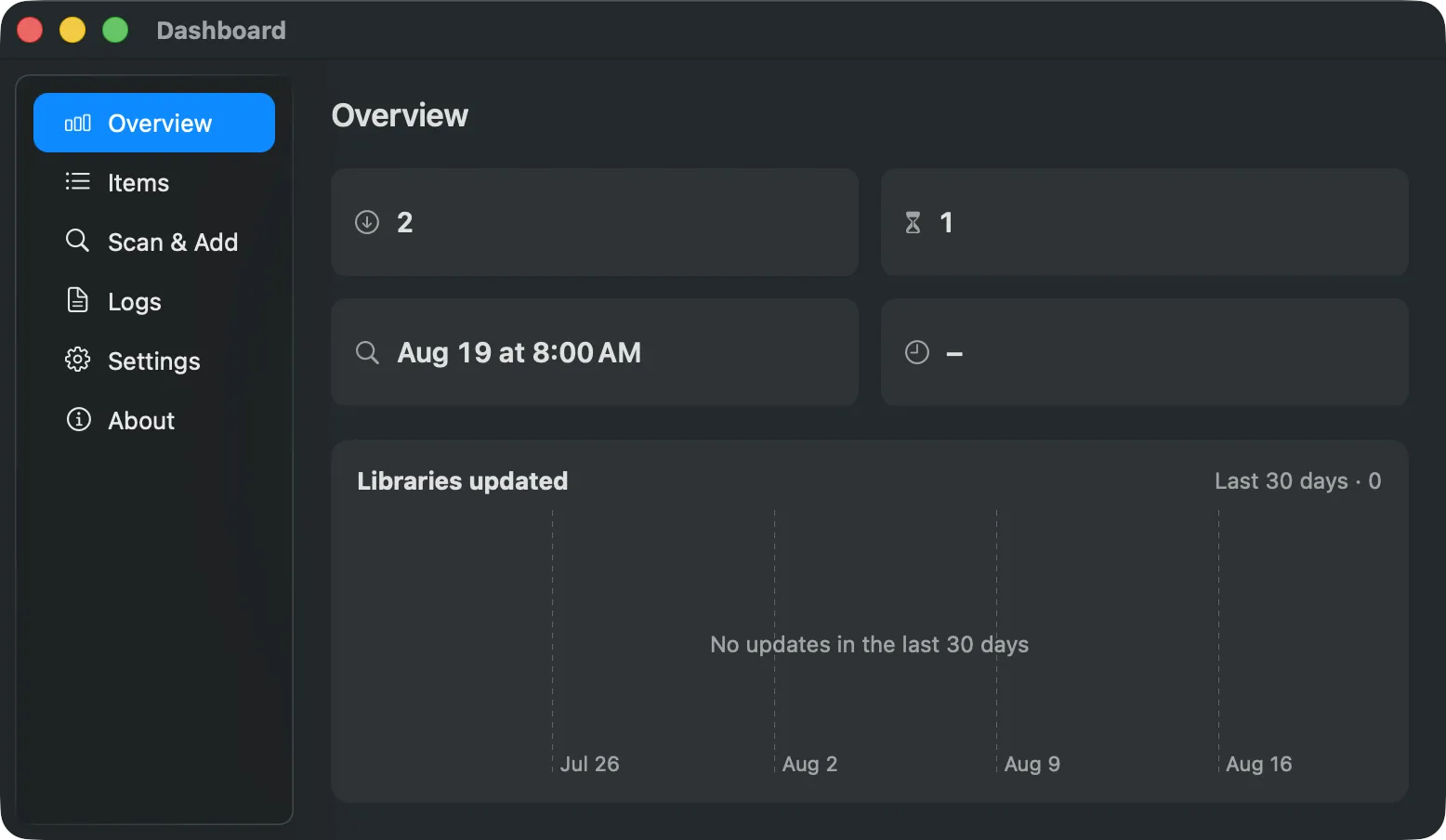
Discover supported tools without changing your UpdateBar registry.
Compare versions and inspect exact command fields before approval.
Run one or many approved updates from the Dashboard or menu bar.
UpdateBar puts discovery, approval, progress, and history in one native surface without hiding what runs.
Scan
Track Homebrew, npm, GitHub releases, files, and custom recipes through one clear status model.
Review
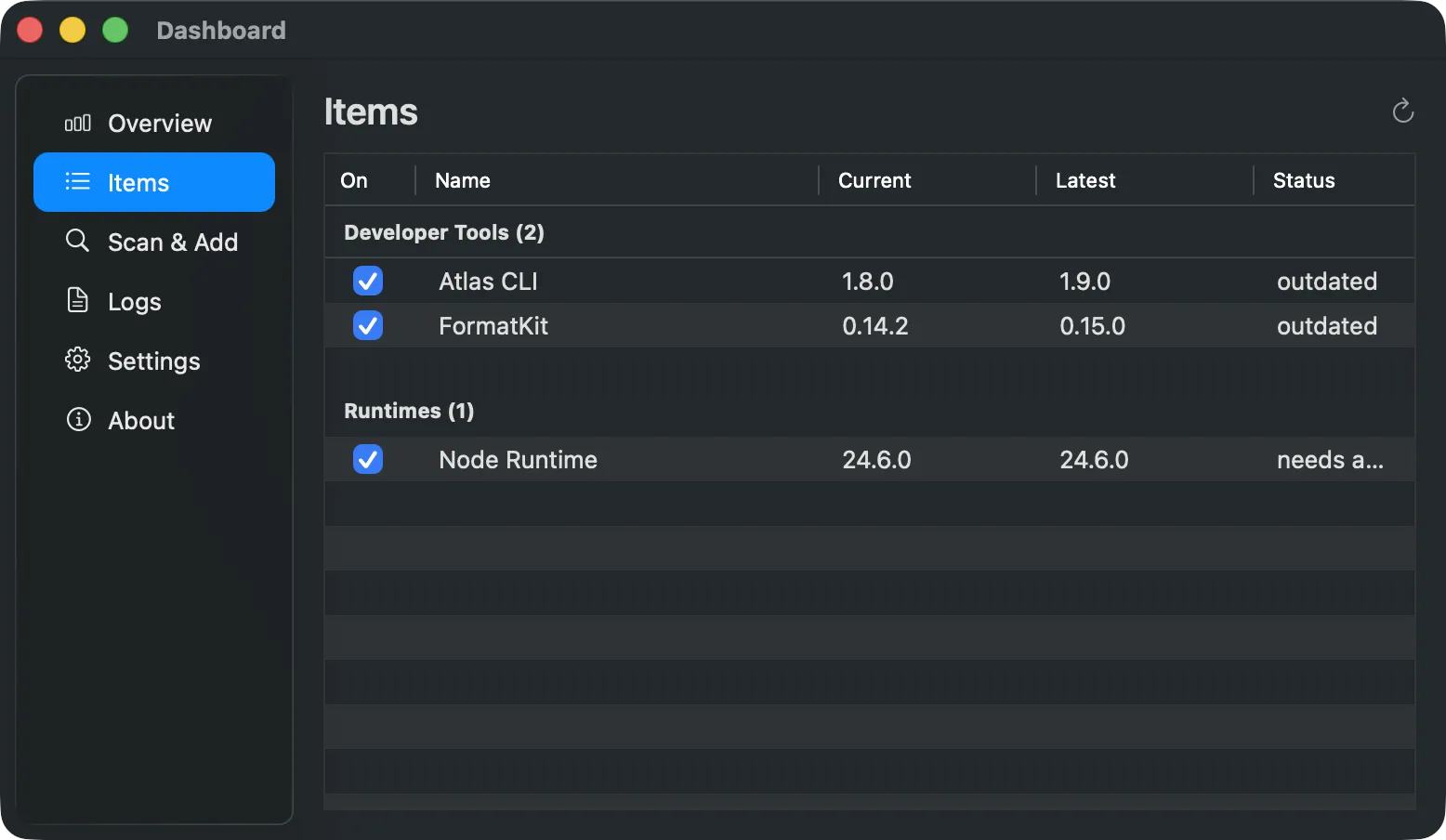
Inspect current and latest versions, then review the exact command fields that require access before anything runs.
Update
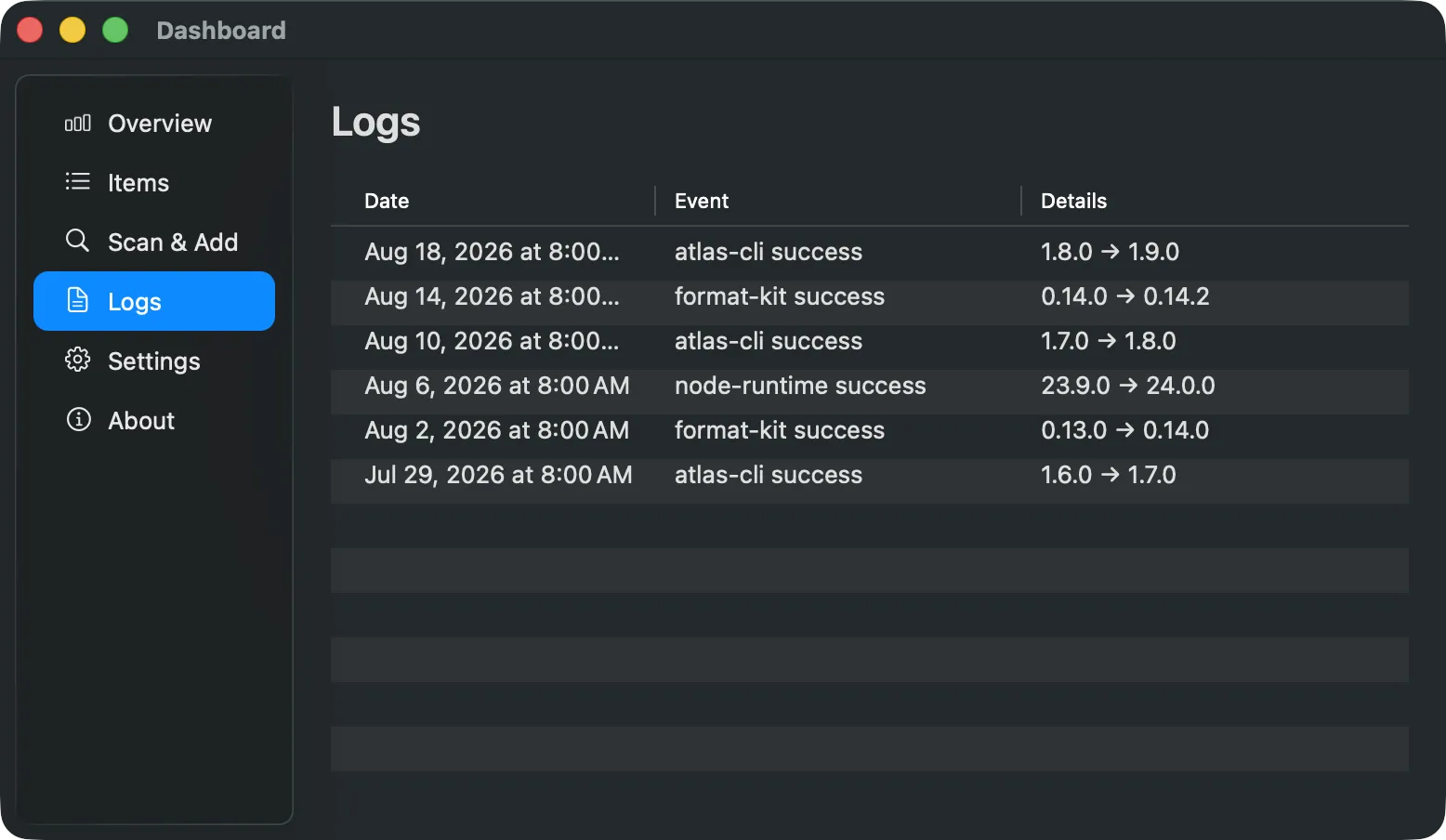
Watch bounded update progress and review recorded outcomes without giving up the same deterministic core used by the CLI.
Imported and discovered command fields stay gated by exact fingerprints. Approved commands are not sandboxed and still run with your user privileges.
updatebar CLINo. Update commands require exact approval and an explicit update action.
Yes. The cask installs the app and links its bundled CLI onto your Homebrew path.
Yes. Uninstalling the cask does not automatically remove your local registry and logs.
Use the signed Homebrew cask for the normal macOS setup.
brew install --cask sonim1/tap/updatebar-app